
One of my favorite builds at What IF Media was a Zap called “Onboarded: New Slack Channel + GDrive Folder + Lead Tracker.” It took a pipeline stage change and used it to prepare the workspace the team needed for a new client.
The idea was simple: once the client reaches the relevant onboarding stage, start the same setup sequence. This gives the team a consistent starting point with less manual folder creation and copying.
What starts the onboarding automation?
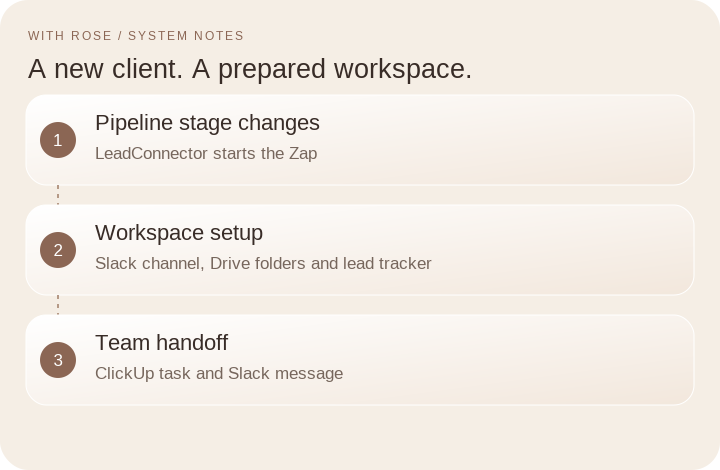
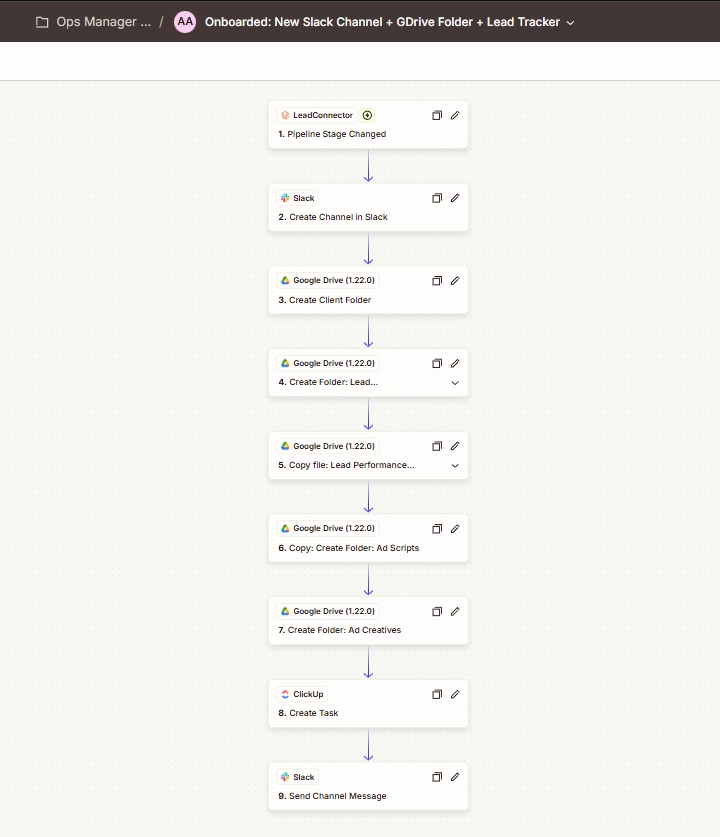
The trigger in this Zap is a pipeline stage change in LeadConnector. The workflow then connects Slack, Google Drive, and ClickUp. This is a simplified overview of my original nine-step build:
What does the nine-step Zap do?
- Detects the pipeline stage change in LeadConnector.
- Creates a Slack channel.
- Creates the client’s Google Drive folder.
- Creates a lead-related folder.
- Copies the lead performance tracker.
- Copies the ad-script template or resource.
- Creates an ad-creatives folder.
- Creates a ClickUp task.
- Sends a Slack channel message.
The folders give files a consistent home. The copied tracker provides a starting document for lead reporting. The task and message bring the new workspace to the team’s attention so the setup has a clear handoff.
Where does payment fit?
The workspace Zap is one part of a larger journey. I built a separate paid-in-full workflow in GoHighLevel that uses a payment event or qualifying contact tag, checks conditions, updates the opportunity and tags, notifies the team, and sends the kickoff calendar.
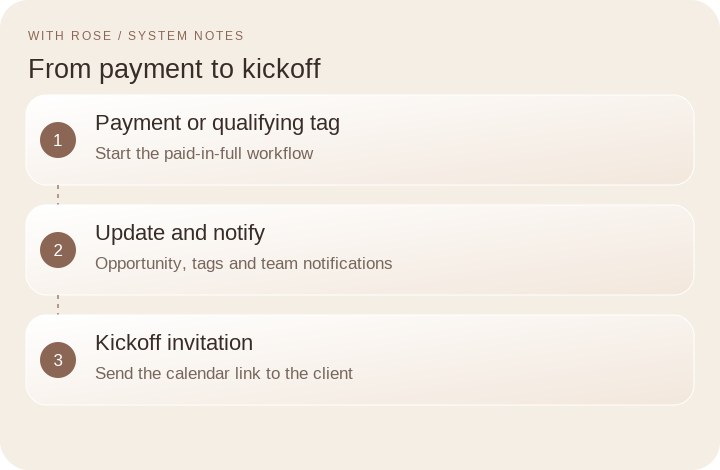
Keeping these responsibilities distinct makes the process easier to explain. Payment handling determines the appropriate paid-client path. Workspace preparation creates the tools and folders needed for the handoff. The exact trigger rules should match the business’s process.
What I would check before adapting this for another team
I would confirm which stage starts onboarding, which templates should be copied, who needs access, and where the team expects the notification. I would also check what happens if a stage changes twice or a required field is missing. Those are design questions for each new implementation, rather than assumptions that one Zap answers for every business.
A test client can help verify folder names, copied files, task details, message destinations, and failure handling before real clients enter the process. Access should be limited to the people and tools that need it.
Do you need GoHighLevel and Zapier for this?
Those are the tools used in this build. The underlying requirement is a reliable event that starts a repeatable setup, plus supported actions in the tools your team uses. The right approach depends on your existing system and available integrations.
Explore the project and interactive walkthrough. If you want help organizing your client onboarding, book a call with me.